
Mastering Mobile Screen Reactions: Engaging Tutorials & Reviews with ClipCam
Create dynamic mobile screen reactions effortlessly with ClipCam. Enhance tutorials & reviews, engage viewers, & grow your audience. Learn how now!
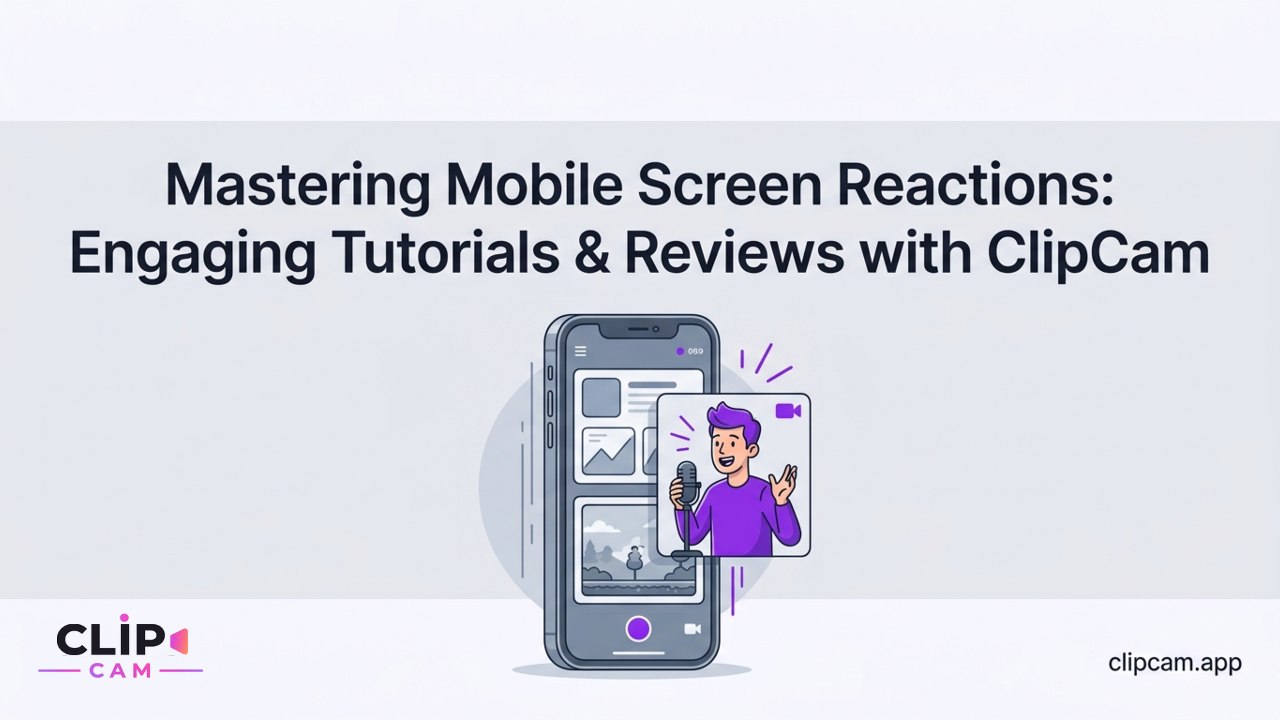
Capturing your genuine reactions to an app, website, or game can transform a static tutorial or review into compelling, shareable content. But achieving that polished, professional look with engaging mobile screen reactions traditionally meant a complicated dance between multiple recording apps and desktop editing software.
Unleashing Professional Screen Reactions from Your Phone with ClipCam
Imagine explaining a new app feature, reviewing a trending website, or showcasing a game strategy, all while your audience sees your authentic reactions right alongside the screen. This dynamic form of content, from in-depth tutorials to quick, educational reviews, is no longer a luxury reserved for multi-camera studio setups.
The Power of Mobile-First Creation
The demand for engaging, dynamic content that connects directly with viewers through real-time commentary and emotional responses is soaring. Whether for educational walkthroughs, insightful product reviews, or entertaining gameplay commentary, mobile screen reactions offer an unparalleled way to communicate effectively. ClipCam is engineered precisely for this purpose, enabling a complete mobile-only workflow that captures both your screen and your facecam simultaneously. This means you can record your phone screen and your reaction at the same time for tutorials or reviews, all from a single, intuitive app on your smartphone. It’s about empowering creators to produce high-quality content directly where their audience consumes it most – on mobile.
Why Traditional Methods Fall Short
Before ClipCam, creating professional screen reaction videos often involved a cumbersome, multi-step process. You'd typically record your screen with one app, record your facecam with another, transfer both to a computer, and then spend hours manually syncing and merging them in a complex desktop editing suite. This method is not only time-consuming but also creates a significant barrier for creators who prioritize efficiency and mobile accessibility. Generic screen recorders might offer a rudimentary picture-in-picture, but they rarely provide the dedicated layouts and automatic compositing needed for truly professional results. ClipCam bypasses these complexities entirely, turning your phone into a powerful, portable production studio. You can make professional reaction videos for YouTube, TikTok, or Instagram using only your phone, without a computer editor, by leveraging ClipCam's streamlined, integrated process.
Crafting Clear & Engaging Screen Reaction Layouts with ClipCam
The visual presentation of your screen reaction video is paramount. Viewers need to clearly see both your reactions and the on-screen action without obstruction or confusion. ClipCam understands this critical balance, offering intelligently designed layouts that ensure your content looks professional and is easy to follow.
Choosing the Right Layout for Impact
ClipCam takes the guesswork out of video layout by offering automatic split-screen and picture-in-picture configurations specifically tailored for reaction content. For an app walkthrough or software tutorial, you might wonder what layout should I choose (split-screen vs picture-in-picture) so viewers can see both the interface and my reactions clearly? The answer depends on your content:
Split-screen is ideal for direct comparisons or when you want both your face and the screen to share equal prominence, perhaps when you're deeply analyzing an interface element or reacting to a striking visual.
Picture-in-picture (PiP) is perfect for emphasizing the on-screen activity, allowing your reaction to remain visible but secondary. This is great for showcasing intricate app features or gameplay without your face taking up too much space. ClipCam's smart layouts ensure that regardless of your choice, your video looks polished and intentional, guiding your viewers' eyes effectively.
Ensuring UI Visibility
One of the most frustrating challenges for creators is when their facecam overlay blocks critical parts of the app or game they are reviewing. ClipCam elegantly solves this problem. It intelligently places your reaction camera feed to avoid obstructing essential on-screen elements during app walkthroughs, website reviews, or gameplay demonstrations. This meticulous design ensures that every tap, swipe, and visual detail on your screen remains perfectly clear to your audience, while your reactions add context and engagement. The visual benefits are immediate: professional-looking videos that keep viewers engaged and fully informed, fostering better comprehension and a more enjoyable viewing experience.
Mastering Live Screen Reactions for Dynamic Content with ClipCam
The power of reaction content lies in its authenticity and immediacy. ClipCam empowers you to capture that raw, in-the-moment commentary directly from your phone, making your tutorials and reviews more dynamic and relatable than ever before.
Reacting in Real-Time to Digital Content
With ClipCam's "live screen reaction" capability, you can actively engage with any digital content on your phone as it unfolds, capturing your genuine responses in real-time. This means you can seamlessly react to browser tabs as you navigate a website, demonstrate and comment on an app's features as you use them, or even provide live commentary over gameplay. Imagine conducting a live website audit, highlighting specific design flaws or brilliant UX choices as you scroll, all while your expressive reactions are simultaneously recorded. Or guiding an audience through a new app update, sharing your immediate thoughts on each new function. This real-time interaction eliminates the need for voice-overs or post-recording commentary, preserving the spontaneity and energy of your insights.
Engaging Audiences with Live Commentary
The ease of adding spontaneous insights and emotional responses directly into your recording with ClipCam is a game-changer for content creators. Instead of pre-scripting every line, you can let your genuine reactions guide your commentary, making your content more authentic and captivating. This approach is particularly effective for tutorials and reviews, as your live reactions provide immediate context and emotional connection to the on-screen activity. This real-time interaction significantly enhances the authenticity and engagement of tutorial and review content, making your videos more personable and relatable. So, how do I set up live screen reactions where I comment on a browser tab, app, or gameplay while recording on my phone? Simply open ClipCam, initiate your screen recording with facecam, and then navigate to the app or browser content you wish to react to – ClipCam handles the seamless integration.
Automating Your Workflow: Instant Composites with ClipCam
For many creators, the most significant bottleneck in video production is the post-editing phase. Syncing audio, merging video tracks, and adjusting layouts can consume hours. ClipCam fundamentally redesigns this process, offering an unprecedented level of automation.
Eliminating Post-Production Headaches
ClipCam’s defining feature is its 'instant composite rendering'. This powerful capability automatically merges your source screen recording and your reaction camera feed into a single, cohesive video. This isn't just about combining two clips; it's about intelligent integration, with your chosen layout (split-screen or picture-in-picture) applied instantly. This feature eradicates the need for manual editing, painstaking syncing, and tedious layout adjustments in separate, complex video editors. Gone are the days of struggling to match your commentary with the on-screen action or meticulously resizing your facecam to fit. ClipCam handles it all, from capture to a perfectly composed final product, without you ever leaving your phone.
The Efficiency of One-Tap Rendering
The time-saving benefits of ClipCam’s automated rendering are immense for creators, educators, and reviewers who need to produce high-quality content quickly and consistently. With just one tap, ClipCam processes and renders your combined video, ready for immediate sharing. This efficiency means you can focus more on creating engaging content and less on the technical drudgery of editing. Is there a way to automatically merge my reaction camera and source clip into a finished side-by-side layout without manual editing? Yes, ClipCam's instant composite rendering is precisely designed for this, delivering a ready-to-share output directly from the app. This feature alone saves hours of post-production work, allowing you to maximize your creative output and quickly publish fresh, timely content.
Optimizing Audio for Clear Screen Reaction Tutorials
Clear audio is the bedrock of any effective tutorial or review. Your viewers need to hear both your voice and the sounds from your device with clarity, ensuring that every explanation and on-screen cue is perfectly understood.
Balancing Voice and System Audio
In screen reaction tutorials and reviews, the importance of clear audio cannot be overstated. Viewers rely on your voice for commentary and instruction, but they also benefit from hearing the app's sounds, website clicks, or game audio to fully grasp the on-screen action. ClipCam is designed to help you capture both your voice and your device's system audio (app sounds, website clicks, notification tones, etc.) effectively. This dual audio capture capability ensures that your commentary is contextualized by the digital environment you're reacting to, providing a richer, more immersive experience for your audience.
Tips for Pristine Sound
To achieve optimal voice clarity and a balanced audio mix, consider these practical tips. While your phone's built-in microphone can be sufficient, investing in an external lavalier microphone or a dedicated mobile-compatible headset can significantly improve your voice quality, making it sound more professional and clear. When recording, choose a quiet environment to minimize background noise. ClipCam helps you manage audio levels to ensure your commentary is prominent and easily understood without overpowering the on-screen content's sound. This balance is crucial; you want app sounds to enhance your review, not distract from your insights. How do I capture clear audio (voice plus system audio) when recording a reaction over my screen on Android or iOS? ClipCam automatically manages the blend, but a good mic and quiet setting make all the difference.
Seamless Sharing: Exporting ClipCam Screen Reactions for All Platforms
Creating professional screen reaction content is only half the battle; the other half is sharing it effectively across the diverse landscape of social media platforms. ClipCam simplifies this final, crucial step.
Tailoring Content for YouTube, TikTok, & Instagram
ClipCam features one-tap export functionality, simplifying the final step of sharing your creations. No more guessing aspect ratios or struggling with resolutions. ClipCam intelligently optimizes your finished videos for various platforms, ensuring they look their best wherever they're posted. This includes:
Vertical 9:16 for popular short-form video formats like YouTube Shorts, Instagram Reels, and TikTok, maximizing engagement on mobile-first platforms.
Square formats for Instagram feeds or X (formerly Twitter).
Horizontal 16:9 for traditional YouTube videos, ideal for in-depth tutorials and reviews.
This platform-specific optimization means your content will always be presented in the ideal format, maximizing its reach and viewer engagement without requiring manual adjustments or external converters.
One-Tap Publishing
The benefits of platform-specific exports are clear: your content looks native, professional, and is more likely to capture viewer attention on each platform. With ClipCam, you can easily publish your finished screen reaction tutorials directly from the app. After your instant composite is rendered, a simple tap guides you through the process of sharing to your chosen social media channels. How do I share my finished screen reaction videos from mobile directly to YouTube, TikTok, Instagram, or X with the right aspect ratio and quality settings? ClipCam's intuitive export options make it a seamless, one-tap process, ensuring your content is seen in its best light across all your preferred platforms.
Why ClipCam Stands Apart for Your Screen Reaction Content
In a crowded market of video tools, ClipCam distinguishes itself not just by its features, but by its singular focus on streamlining and perfecting the creation of screen reaction content. It's more than just a recording app; it's a dedicated solution built for this specific type of dynamic mobile video.
Dedicated to Reaction Workflows
Many generic screen recording apps offer basic facecam integration, but they typically leave the heavy lifting of editing, syncing, and compositing to the user. This means spending significant time after recording in a separate video editor, a workflow that quickly becomes inefficient for regular content creators. ClipCam, in contrast, is designed from the ground up to simplify the entire reaction video creation process, from initial capture to final export. Every feature, from automatic layouts to instant composite rendering, is tailored to this specific workflow, ensuring that your journey from idea to polished video is as smooth and quick as possible.
Beyond Generic Screen Recording
ClipCam offers specialized features that generic screen recorders simply cannot match for this content type. The efficiency provided by its automated layout selection and instant rendering capabilities sets it apart, providing professional results with minimal effort. This focus on streamlining and specialized features makes ClipCam superior for educators, reviewers, and content creators seeking high-quality, engaging screen reaction videos without the usual production headaches. What are the differences between using a dedicated reaction app (like ClipCam) versus a generic screen recorder with facecam for mobile reaction videos? The key difference lies in ClipCam's integrated, automated workflow that handles all the complexities of merging, syncing, and layout, delivering a finished product instantly, rather than just raw components for you to edit elsewhere. This dedication to the reaction workflow ensures you can focus on your message, not the mechanics.
Ready to transform your tutorials and reviews into dynamic, engaging screen reactions? Download ClipCam today and start creating professional mobile-first content with unparalleled ease.