
Harnessing Picture-in-Picture Reactions with ClipCam for Engagement
Discover how picture-in-picture reactions can boost viewer interaction. Start making your video content more engaging with ClipCam today!
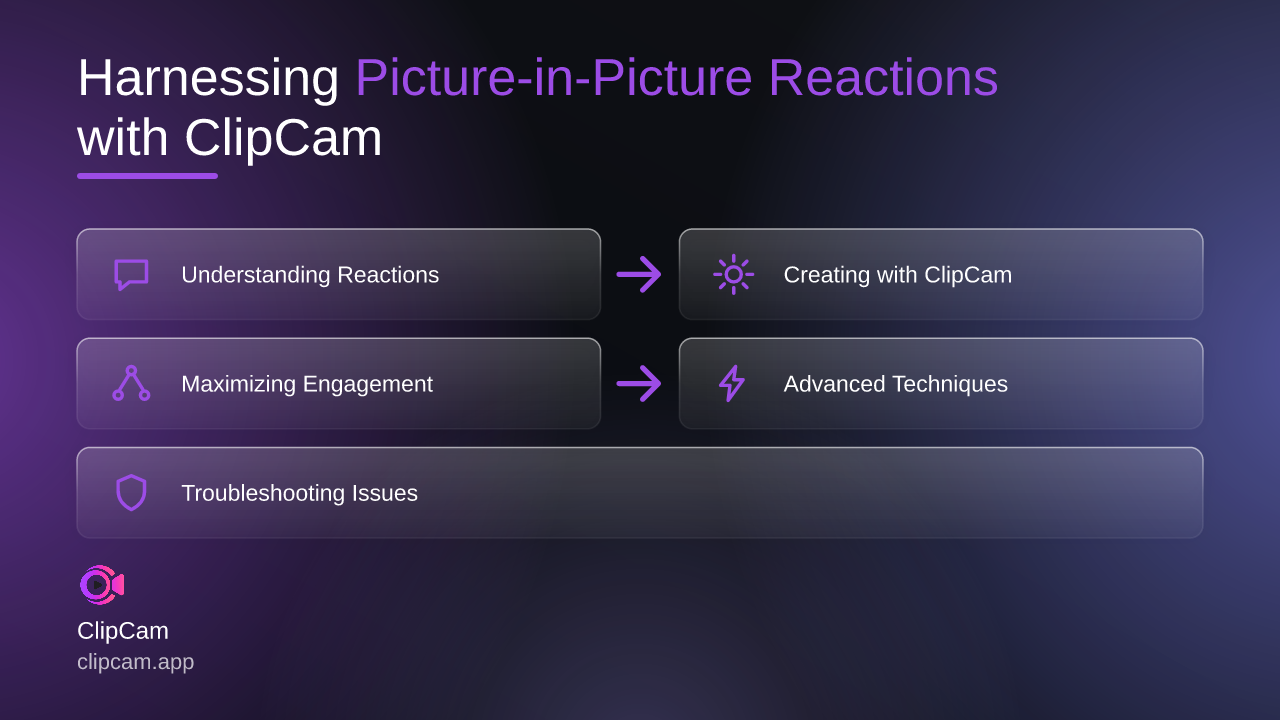
Understanding Picture-in-Picture Reactions
Picture-in-picture reactions have become a game-changer for content creators, enabling them to engage their audience in ways traditional formats can't match. This dynamic method allows creators to express themselves while the audience enjoys their favorite clips. But what exactly are picture-in-picture reactions, and how can they enhance viewer interaction?
What Are Picture-in-Picture Reactions?
Picture-in-picture reactions involve displaying a video of the creator alongside the original clip, allowing viewers to see the creator's live reactions while also engaging with the content. This format captivates audiences as it adds a personal touch to the viewing experience, making the creator feel more relatable and engaging. The automatic side-by-side rendering of reactions via ClipCam simplifies this process, allowing creators to express their thoughts organically.
Benefits for Content Creators
The advantages of picture-in-picture reactions are abundant, especially for micro-influencers who thrive on connection with their audience. This format encourages increased viewer retention, as audiences are more likely to stay engaged when they see genuine reactions. Moreover, the ability to share one tap, multicasting across platforms like TikTok, Instagram, and YouTube means creators can reach a broader audience without excessive editing or reformatting.
How to Create Compelling Picture-in-Picture Reactions with ClipCam
If you're ready to harness the power of picture-in-picture reactions, ClipCam provides an easy path to creating captivating content.
Step-by-Step Guide to Recording
To begin, simply open ClipCam and select your favorite clip to react to. The intuitive interface allows you to record your reaction simultaneously. Thanks to ClipCam’s automatic side-by-side rendering, your reaction can be recorded seamlessly alongside the original content. No need for complex setups—just a tap, and you’re recording! This straightforward process removes the hurdles of traditional video editing.
Editing Features of ClipCam
Once recorded, ClipCam's editing suite elevates your video quality. You can trim clips, enhance audio, and even add text overlays to provide context or emphasize key points. These editing tools are designed for creators on the go, making your video not just a recording but a polished product ready for uploading.
Maximizing Engagement on Social Media Platforms
Now that you've mastered recording and editing your reactions, it's time to share them on social media.
Sharing on TikTok
TikTok thrives on authentic, relatable content, and picture-in-picture reactions fit perfectly into this narrative. Use trending audio and hashtags to accompany your reaction videos to maximize visibility. Activate ClipCam’s one-tap share feature to easily upload your videos directly to TikTok, streamlining the posting process.
Utilizing YouTube and Instagram
YouTube and Instagram also benefit from picture-in-picture reactions. On YouTube, in-depth reactions can turn into engaging discussions, potentially leading to further shares and subscriptions. For Instagram, short clips with compelling images can encourage instant engagement through likes and comments. ClipCam's ability to optimize uploads tailored for each platform means your videos can shine wherever they appear.
Comparative Advantages of Using ClipCam
When it comes to creating engaging picture-in-picture reaction videos, ClipCam stands out among various tools on the market.
Why Choose ClipCam Over Other Tools?
ClipCam offers a unique blend of simplicity and sophistication that many alternatives cannot match. While many apps require extensive editing or lack synchronization, ClipCam excels with its automatic side-by-side rendering and the intuitive interface. Creators can focus on what matters—producing authentic content for their communities.
Cloud-Backed Exports
One of the standout features of ClipCam is its cloud-backed export capabilities. This ensures that all your recordings are securely stored and easily accessible, even when you're on the move. Creators have reported increased productivity thanks to the ability to access their work from anywhere (ClipCam Testimonial). This feature adds a layer of convenience that busy creators need.
Exploring Advanced Techniques for Picture-in-Picture Reactions
To take your picture-in-picture reactions to the next level, leveraging advanced techniques can make your videos even more engaging.
Creative Uses of Picture-in-Picture
Consider employing various creative styles such as thematic overlays or narrative structures for your reactions. For instance, if you’re reacting to a movie clip, narrating your response via fascinating anecdotes can enrich the viewer experience. ClipCam supports these innovations, allowing you to step beyond basic reactions.
Combining Effects and Filters
Utilizing filters and effects can also enhance engagement metrics. For example, adding a humorous filter while reacting to funny content can elevate your viewer’s mood and encourage sharing. Case studies of creators who use such techniques often show a marked increase in viewer interaction and shares, proving that creativity pays off.
Troubleshooting Common Issues
Even the best tools have their quirks. Here’s how to navigate some common challenges.
Common Recording Problems
Occasionally, users might encounter recording issues—everything from audio desynchronization to poor video resolution. Check your settings to ensure that you are recording at the highest quality possible and troubleshoot your microphone to avoid sound issues.
When Sharing Goes Wrong
Sharing hiccups can happen, especially when dealing with various social platforms. If a video fails to upload correctly, ensure your internet connection is stable and that formats are supported by the platform. For continued assistance, ClipCam provides extensive support resources available through their website.
Conclusion: Elevate Your Content with ClipCam
Picture-in-picture reactions represent a revolutionary way for creators to enhance viewer engagement by making their content more relatable and entertaining. With ClipCam's powerful features, from easy recording to cloud-backed exports, you can create high-quality reaction videos with minimal friction.
So why wait? Start your journey to engaging video content today by trying out ClipCam for free!