
Effective Strategies for Short-Form Video Creation Using ClipCam
Unlock the secrets of short-form video creation. Discover effective strategies and elevate your content game with ClipCam today!
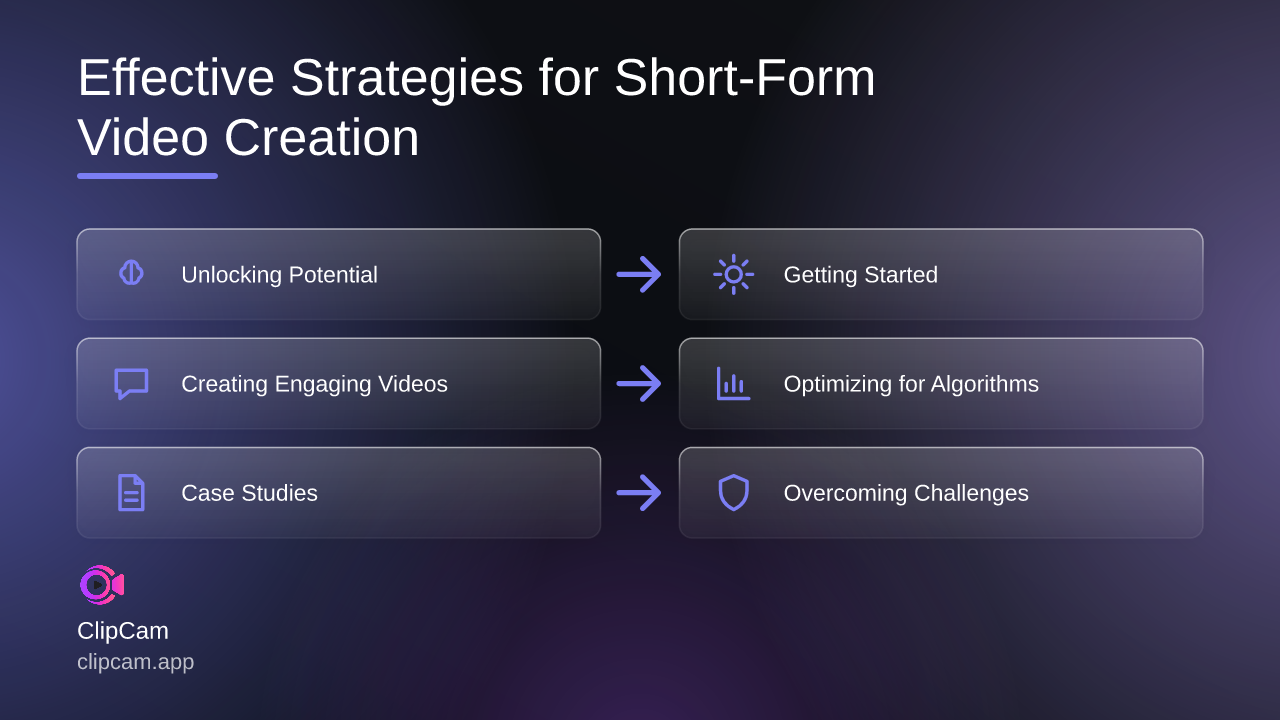
Unlocking the Potential of Short-Form Video Creation
Creating captivating short-form videos is no longer just a trend—it's a necessity for content creators looking to engage their audience on platforms like TikTok, Instagram, and YouTube. This type of content drives higher engagement rates, capturing viewers' attention in seconds and leaving them eager for more. With ClipCam, you have the essential tools to transform your video creation process and produce standout clips that resonate.
Why Short-Form Content Matters
Short-form videos have gained immense popularity, largely due to their ability to deliver bite-sized content that keeps viewers engaged. Statistics reveal that the average view time for short-form clips is significantly higher compared to longer content. This type of engaging media enables creators to maximize their reach effortlessly.
How ClipCam Transforms Video Creation
With ClipCam, the process is streamlined and user-friendly. This innovative tool allows you to create side-by-side reactions that render automatically, making it possible to deliver engaging content at lightning speed. You can effortlessly record your reactions over your favorite clips, enabling you to share dynamic videos on platforms like YouTube, TikTok, Instagram, and X with just a tap. ClipCam empowers you to focus on creativity while the app handles the technical aspects, elevating your content to new heights.
Getting Started with ClipCam for Short-Form Videos
Setting Up Your ClipCam Account
Starting with ClipCam is a breeze, thanks to its simple sign-up process designed for new users. Whether you’re a seasoned creator or just starting, registering takes only a few minutes, allowing you to dive right into video production.
Navigating the User Interface
Once you've set up your account, you'll appreciate the intuitive user dashboard that centers around your creative journey. The layout is straightforward, guiding you through essential features, from video recording to editing tools. Plus, you can easily access tutorials and support resources that can help you maximize your use of ClipCam.
Strategies for Creating Engaging Short-Form Videos
Utilizing Side-by-Side Reactions
One of ClipCam’s standout features is its ability to create side-by-side reactions, which can significantly enhance viewer connection and engagement. This interactive format lets viewers experience your authentic reactions to trending clips, making your content more relatable and inviting.
Incorporating Trendy Clips
To capture your audience’s attention, integrate popular clips into your videos. Use ClipCam to access and record your reactions to trending content, leveraging the buzz around these clips to boost visibility.
Enhancing Videos with Text and Stickers
Personalization can dramatically increase viewer engagement. With ClipCam, adding custom text and stickers to your videos is easy and effective. Enhance your storytelling by overlaying key messages or incorporating fun graphics that resonate with your audience, giving them a reason to engage and share.
Optimizing Videos for Social Media Algorithms
Understanding Platform-Specific Guidelines
Each social media platform has unique algorithm nuances that affect how content is distributed. ClipCam is designed to align with these trends, enabling you to optimize video formats and ensure you get the most visibility. Understanding these specifications is key to elevating your content strategy.
Best Practices for Hashtags and Captions
Using relevant hashtags effectively can boost your discoverability on these platforms. ClipCam allows you to incorporate optimal hashtags seamlessly, enhancing your video’s chances of reaching new audiences. Combine this with catchy captions to provide context and draw in viewers.
Case Studies: Successful ClipCam Users
Highlighting Influencers Who Excelled
Several influencers have harnessed the power of ClipCam to grow their audiences and create impactful content. These creators have adeptly utilized the app’s features, resulting in substantial engagement boosts and follower growth.
Lessons Learned from Their Success
Key takeaways from successful ClipCam users reveal the importance of authenticity and creativity. By tapping into real-time trends and personalizing content with side-by-side reactions, they have maximized viewer interaction and established a loyal audience.
Common Challenges in Short-Form Video Creation
Overcoming Creative Blocks
Every creator faces creative blocks at some point. ClipCam helps to stimulate your creativity by allowing you to engage with trending clips and ideas effortlessly. Use its features to poke fun, share insights, or simply react honestly to various clips, reigniting your passion for content creation.
Dealing with Technical Issues
Technical hurdles can be frustrating, but ClipCam provides resources to troubleshoot common issues. Whether it’s problems with uploading or video quality, the support system is there to assist you in real-time, ensuring your creative process remains uninterrupted.
Maximizing Your Reach with ClipCam
Engaging Your Audience Post-Publication
After releasing your videos, engaging your audience is crucial. Use ClipCam to encourage interactions, ask questions, and invite viewers to share their thoughts. Maintaining a dialogue post-publication keeps viewers invested and boosts your content's visibility.
Analyzing Video Performance
Understanding how your videos are performing is essential for fine-tuning your content strategy. ClipCam includes robust analytics tools that help you measure engagement, view times, and other metrics, allowing you to make informed adjustments to your future content.
Start creating captivating short-form videos today with ClipCam and elevate your content strategy! Dive into the world of seamless video creation and let your creativity shine! Explore ClipCam now at ClipCam!