
Master Duo Video Collaboration with ClipCam’s Innovative Features
Unlock creative potential with Duo video collaboration using ClipCam. Start collaborating with others effortlessly today!
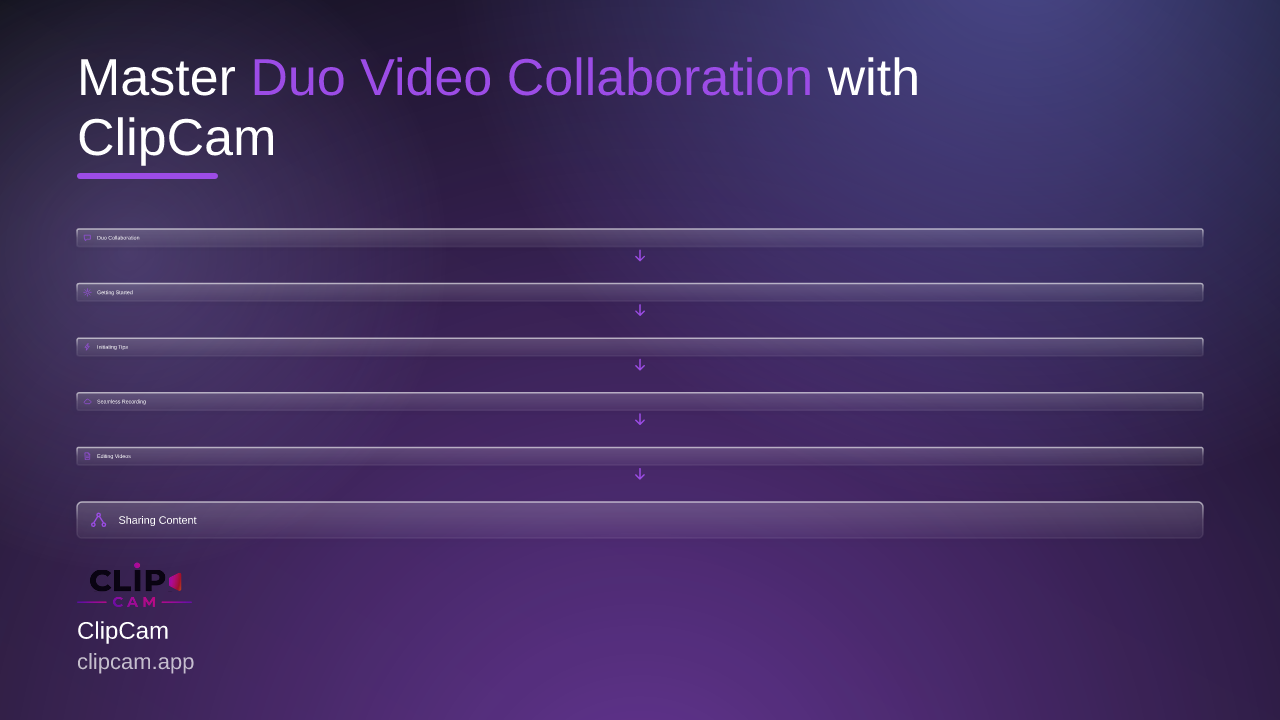
Master Duo Video Collaboration with ClipCam’s Innovative Features
Creating engaging content is no longer a solo venture. Enter Duo video collaboration, an essential tool for content creators that fosters creativity and sparks viewer interest. With ClipCam, you can easily join forces with fellow creators, leveraging its innovative features to enhance your collaborative efforts and deepen audience engagement.
What is Duo Video Collaboration?
Duo video collaboration allows two or more creators to produce content together, showcasing interactive dialogues, reactions, and diverse perspectives. It's transformative for content creators seeking to expand their reach and tap into new audiences. ClipCam is at the forefront of simplifying this collaboration with a user-friendly interface that requires no extensive technical know-how. You'll find that using ClipCam to connect with other creators is a game changer, allowing you to focus on content quality instead of technical roadblocks.
Getting Started with ClipCam's Duo Feature
Creating Your ClipCam Account
Ready to dive into Duo video collaboration? The first step is creating your ClipCam account. Simply head to ClipCam's sign-up page and follow these easy steps:
Enter your email and choose a password.
Confirm your email address to activate your account.
Fill in your profile information to match your creative brand.
Once you're set up, you're ready to explore Duo features that will revolutionize the way you collaborate.
Navigating the User Interface
Upon logging in, you'll be greeted with an intuitive user interface designed for ease of use. The Duo video feature is prominently displayed, ensuring you can find and utilize it without fuss. Accessible through your mobile devices, ClipCam enables recording on-the-go, so you can collaborate with creators regardless of location. No more complicated setups; just quick and effective video creation.
Initiating Collaborations: Tips for Success
Choosing the Right Creator
The success of your Duo video largely depends on selecting the right collaborator. Look for creators within your niche who share complementary styles or themes. This synergy will create content that resonates with both your audiences, ensuring maximum engagement.
Setting Up a Cohesive Concept
Before hitting "record," align your ideas with your collaborator to develop a cohesive concept. Discuss what you aim to achieve from the collaboration: Are you looking to entertain, inform, or spark discussions? Establishing mutual goals can significantly enhance how your audiences engage with the final product. Make sure to outline clear roles and expectations for each creator in the project.
Seamless Recording with ClipCam
Using the Duo Video Feature
Starting your Duo video session on ClipCam is as simple as tapping a button. Select Duo mode and invite your collaborator to join. The app seamlessly integrates both video feeds, allowing for real-time interactions. Plus, with ClipCam’s optimization for mobile devices, you can adjust camera placements and angles to capture the best shots without hassle.
Tips for Effective Reactions
Reactions are what bring Duo videos to life. Authentic and engaging responses from both creators can captivate viewers. Keep these tips in mind:
Lighting Matters: Ensure your recording environment is well-lit. Natural light often works best, but adjustable ring lights can provide the perfect touch if you're indoors.
Camera Setup: Position your camera at eye level for the most flattering angle. A stable surface or tripod can maintain that desired focus throughout the recording.
Stay Expressive: Engage with your collaborator actively—listen, react, and build off each other's contributions. This interaction will create a dynamic storytelling experience for your viewers.
Editing and Finalizing Your Duo Video
Using ClipCam’s Automatic Rendering
One of the standout features of ClipCam is its automatic rendering capability. As you finish recording, you'll find your side-by-side reactions beautifully integrated without the need for complex editing software. The app takes care of the technical intricacies, allowing you to focus on refining your content.
Quick Editing Features
ClipCam also provides quick editing options, allowing you to trim clips, add filters, or adjust audio levels effortlessly. Just a few taps and your video is ready for sharing, cutting down the frazzled hours traditionally spent in editing software.
Sharing Your Duo Video Across Social Media
Optimizing for Different Platforms
With your finished video in hand, it's time to share it across social media platforms. ClipCam makes it easy to export your content to YouTube, TikTok, Instagram, and X with just one tap. Tailor your video to each platform's unique style for maximum impact—consider shorter edits for TikTok while opting for longer content for YouTube.
Engaging Your Audience Post-Release
Don't just release your video and walk away; engage with your audience! Prompt comments by asking thought-provoking questions related to your content. Encourage shares to widen your reach and consider hosting Q&A sessions to foster community around your collaboration.
Real-life Success Examples
Many creators have turned to ClipCam's Duo features and unlocked tremendous potential in their collaborative efforts. For instance, a beauty influencer collaborated with a fitness expert to create challenges that merged lifestyle themes. The result? Increased audience engagement and significant growth in their follower counts. ClipCam's tools enabled them to capture authentic interactions, which translated into higher retention rates for their content.
Ready to transform your creative partnerships? Start your Duo video collaboration journey today with ClipCam—sign up now to unlock seamless recording and sharing features!