
Master Desktop-Free Reaction Videos: Create Pro Content with ClipCam
Create desktop-free reaction videos on your phone with ClipCam for faster editing, easier sharing, and a smoother workflow. Start now.
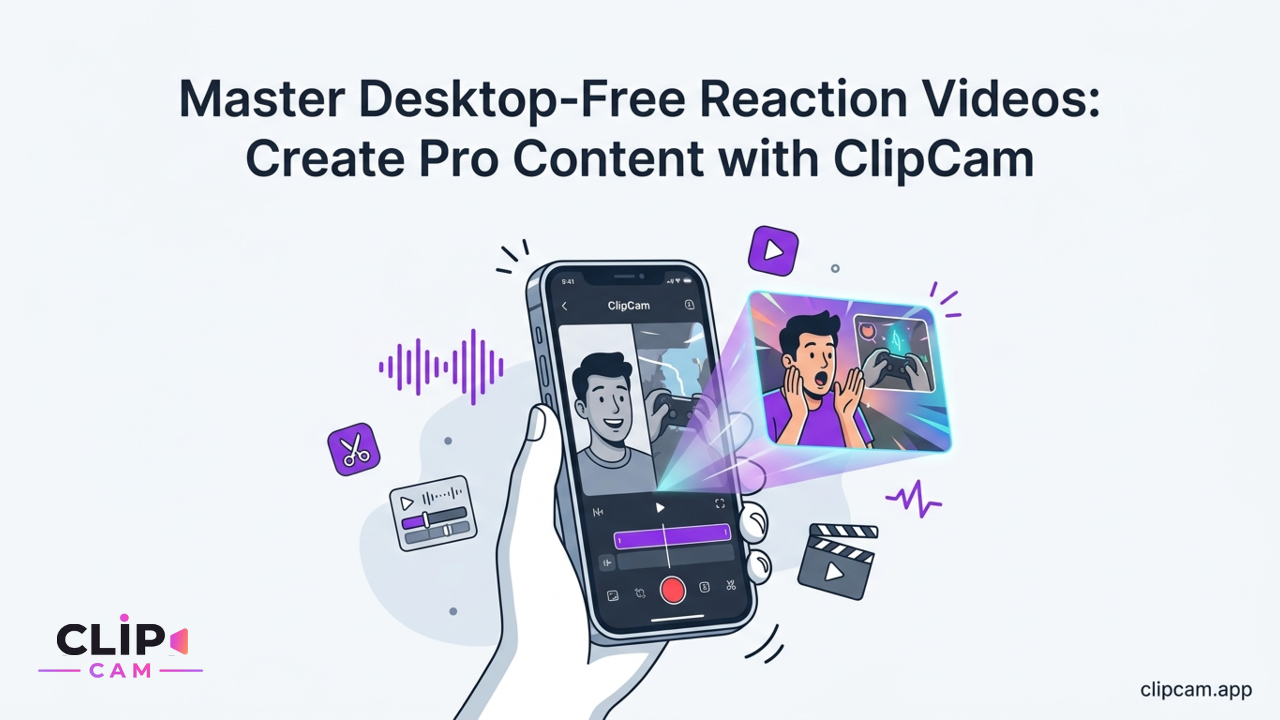
Tired of wrestling with complex desktop editing software just to create a reaction video? The days of transferring footage, manually syncing audio, and painstakingly arranging side-by-side layouts on a computer are over. Imagine capturing, editing, and sharing professional-quality reactions directly from your phone, without ever touching a desktop.
Unlock Professional Desktop-Free Reaction Videos with ClipCam
For many aspiring and established creators, the journey to publishing reaction videos is often a frustrating one. It typically begins with hours spent in front of a computer, navigating clunky software, meticulously trimming clips, and battling synchronization issues. The common pain points are glaring: significant time investment, the steep learning curve of advanced editing programs, and the need for expensive equipment. This desktop-bound workflow not only stifles spontaneity but also creates a barrier to entry for many who simply want to share their authentic responses to content they love.
But what if you could bypass all that? What if you could make a reaction video on your phone without a computer, delivering polished, engaging content with unprecedented ease?
Enter ClipCam. This revolutionary app transforms your smartphone into an all-in-one mobile studio for creating desktop-free reaction videos. ClipCam is purpose-built to eliminate the complexity, allowing you to record, render, and share professional-quality side-by-side reactions directly from your phone, seamlessly and spontaneously (ClipCam). It’s the definitive answer for creators seeking a powerful, yet incredibly simple, mobile solution.
ClipCam: The Easiest Way to Create Side-by-Side Reactions on Your Phone
ClipCam is engineered to simplify the reaction video creation process from start to finish. It’s not just an editor; it’s a dedicated reaction recording tool that handles the technical heavy lifting, letting you focus entirely on your genuine responses.
Seamless Source Video Integration
The foundation of any great reaction video is the source content. With ClipCam, integrating your chosen video is effortlessly straightforward. You can either select a video directly from your phone’s gallery or import it from various sources within the app. This direct integration means no more clunky transfers or format conversions. Once your source video is loaded, ClipCam prepares the canvas for your reaction.
Simultaneously, ClipCam leverages your phone’s front camera to capture your reaction in real-time. This dual-capture functionality is at the heart of its efficiency. You see the source video playing, and your genuine expressions and commentary are recorded right alongside it. This immediate, interactive recording setup is crucial for capturing spontaneous and authentic reactions, as you're reacting as if you were watching it live, without any post-recording guesswork.
Automatic Side-by-Side & Layouts
One of the biggest time-sinks in traditional reaction video editing is manually arranging the layout. Resizing, positioning, and layering multiple video tracks to achieve that classic side-by-side look is tedious. ClipCam eliminates this entirely.
As soon as you finish recording, ClipCam's intelligent rendering engine automatically combines your source video and your recorded reaction into a perfectly formatted side-by-side layout. This is not a manual drag-and-drop process; it's an instantaneous, one-tap approach to creating combined videos. The app handles all the technical aspects of framing and presentation, giving you a clean, professional-looking video without any effort on your part. This automatic rendering is a core benefit, answering "What is the easiest app for making side-by-side reaction videos on a phone?" with a definitive solution (ClipCam).
Keeping Your Reaction and Source Clip Synchronized
Synchronization is paramount for a compelling reaction video. Nothing pulls a viewer out of the experience faster than out-of-sync audio or video. In general editors, achieving perfect sync often involves painstaking manual adjustments, frame by frame. ClipCam solves this complex problem automatically.
By recording your reaction and playing the source video simultaneously within the app, ClipCam inherently ensures perfect audio and video synchronization. The app captures both streams in a unified timeline, meaning your "oh my god!" moment aligns perfectly with the jump scare, or your laughter lands precisely with the comedic punchline. You no longer have to worry about "How do I keep the original clip and my reaction synchronized?" ClipCam handles it implicitly, allowing you to focus on delivering a great reaction, confident that the final output will be flawlessly timed. This integrated approach also directly answers the question, "Can I record my reaction while a video plays on my phone?" Yes, with perfect synchronization built-in.
Your Full Mobile Workflow: From Reaction to Ready-to-Share
ClipCam doesn't just simplify recording; it streamlines the entire post-production process, ensuring that your reaction content is ready for the world with minimal fuss, all from your mobile device.
Record Your Authentic Reactions in Real-Time
Setting up a reaction recording session with ClipCam is designed for optimal spontaneity. The intuitive interface guides you to select your source video and then positions you perfectly for recording. The beauty of ClipCam is that it removes the technical barriers, allowing you to truly immerse yourself in the content you’re reacting to. There’s no complex camera setup or external microphone configuration needed to get started. Just open the app, pick your clip, and hit record. This focus on ease-of-use ensures that your reactions are as genuine and unscripted as possible, directly answering "Can I make professional-looking reaction videos entirely from my phone?"
Effortless Post-Recording Adjustments
Even with perfect synchronization and automatic layouts, a little polish can go a long way. ClipCam understands that fine-tuning is sometimes necessary. The app provides quick trimming tools that allow you to refine the start and end points of your reaction video. Did you have a moment of dead air before your reaction truly began? A simple trim eliminates it. Did you fumble with the stop button? Trim it out instantly.
Beyond video trimming, ClipCam also offers basic audio level adjustments. This allows you to balance the sound between your reaction commentary and the source video, ensuring both are clear and well-modulated. You can easily boost your voice if the source video is too loud, or vice versa, creating a harmonious audio experience for your viewers. These adjustments are quick, intuitive, and designed to be completed in seconds, not minutes, keeping your workflow entirely on your phone.
One-Tap Download: Your Masterpiece, Instantly
Once your reaction is captured, laid out, and polished, the final step is incredibly simple. ClipCam features a one-tap download feature that saves your fully rendered, high-quality reaction video directly to your phone's gallery. There's no waiting for large files to upload to a cloud service, no transferring to a computer for final rendering. The entire process, from inspiration to completion, happens within the secure and convenient environment of your mobile device (ClipCam). This instant download capability means your masterpiece is immediately available for sharing, demonstrating that professional-looking reaction videos can indeed be made entirely from your phone.
Share Everywhere: Maximize Your Reach with ClipCam's Direct Export
Creating a compelling reaction video is only half the battle; getting it in front of your audience is the other. ClipCam simplifies this crucial step with robust direct sharing capabilities, designed to maximize your reach across all major social platforms.
Tailored for Top Social Platforms
Forget the tedious process of downloading a video, then opening a separate app, then uploading again. ClipCam integrates directly with the platforms where reaction videos thrive. After you've recorded and rendered your masterpiece, a single tap lets you share your video directly to YouTube, TikTok, Instagram, and X (ClipCam). This seamless integration drastically reduces the time between creation and publication, making it easier than ever to keep your content pipeline flowing.
This direct sharing capability means:
YouTube: Upload your full-length reactions for a dedicated audience.
TikTok & Instagram Reels: Publish engaging short-form snippets or full reactions optimized for vertical viewing.
X (formerly Twitter): Share quick, impactful reactions to trending content, engaging with a broad audience.
ClipCam streamlines the entire sharing process, eliminating the need to transfer files to a computer or use separate editing apps for platform-specific adjustments.
Optimized for Short-Form Video Formats
Understanding that different platforms have different requirements, ClipCam is designed to handle formatting for various aspect ratios. Whether you're aiming for a cinematic widescreen YouTube video or a dynamic vertical TikTok, ClipCam ensures your content looks its best.
For example, when preparing content for YouTube Shorts, TikTok, or Instagram Reels, ClipCam can help ensure your video is optimized for the vertical format, filling the screen engagingly without awkward black bars or cropping issues. This intelligent optimization means you don't have to be an expert in aspect ratios; ClipCam takes care of the technical details so your content always appears professional and native to the platform you're sharing it on. This feature directly addresses "What app lets me export reaction videos directly to TikTok, Instagram, YouTube, or X?" by providing a truly integrated, hassle-free solution.
ClipCam vs. General Editors: Why a Dedicated App Wins for Reactions
When it comes to creating reaction videos, you might wonder if a general mobile video editor like Kinemaster or InShot could suffice. While these apps offer a broad range of editing tools, they simply cannot match the efficiency and specialized workflow of a dedicated reaction video app like ClipCam. The difference lies in purpose-built automation versus manual configuration.
Streamlined Workflow vs. Manual Configuration
General video editors are designed to be versatile, offering a myriad of features for all types of video projects. This versatility, however, comes at the cost of a streamlined workflow for specific tasks like reaction videos. In a general editor, creating a side-by-side reaction involves:
Importing your source video.
Importing your recorded reaction video (often captured separately).
Manually creating a new video project.
Adding both videos to the timeline as separate tracks.
Resizing each video track to fit the desired side-by-side layout.
Precisely positioning each video track on the screen.
Manually trimming each clip to ensure they start and end correctly.
Adjusting audio levels for each track independently.
Attempting to manually synchronize the two video and audio tracks, which can be incredibly difficult and time-consuming, requiring frame-by-frame scrutiny.
ClipCam, on the other hand, collapses these numerous, laborious steps into a few taps. It's built from the ground up to recognize and automate the unique requirements of a reaction video.
Automatic Synchronization and Layouts
This is where ClipCam truly shines and provides a decisive advantage. General editors offer no inherent mechanism for automatic synchronization between a source video and a live reaction. You're left to your own devices, often relying on visual cues or audio waveforms to line things up perfectly – a process that demands patience and a keen eye.
ClipCam, through its simultaneous recording functionality, completely bypasses this headache. It guarantees perfect synchronization between your reaction and the source content because they are captured and processed together. Furthermore, the side-by-side layout is automatic, not a manual arrangement. This eliminates guesswork and ensures a consistent, professional presentation every time. This automation saves significant time and effort, preventing frustration and allowing creators to focus on what truly matters.
Focus on Content, Not Complexity
Ultimately, the goal of a reaction video creator is to share their authentic, engaging responses. When using general editors, a significant portion of a creator's energy and attention is diverted to technical editing tasks: resizing, layering, trimming, and meticulously synchronizing. This technical complexity can be a major creative blocker, dampening spontaneity and turning a fun activity into a chore.
ClipCam’s purpose-built efficiency allows creators to reclaim that focus. By automating the most challenging aspects of reaction video production, ClipCam empowers you to concentrate solely on delivering compelling reactions, expressing your personality, and connecting with your audience. You're no longer an editor; you're a react-er. This distinction answers "What is the difference between a reaction-video app and a general video editor?" ClipCam is a specialized tool designed to create reaction videos effortlessly, allowing you to prioritize your creative output over technical details.
Pro Tips for Capturing Authentic Reactions with ClipCam
While ClipCam makes the technical aspects a breeze, a few simple best practices can elevate your reaction videos from good to truly captivating. The mobile-first nature of ClipCam enables creators to capture genuine, unscripted responses effortlessly, and these tips will help you maximize that potential.
Minimize Setup Time for Spontaneous Content
The beauty of ClipCam is its instant readiness. To truly harness spontaneity:
Keep ClipCam Accessible: Have the app easily accessible on your phone's home screen. The quicker you can open it, the faster you can capture a reaction to a trending clip or a spontaneous thought.
Pre-select Common Categories: If you often react to specific types of content (e.g., movie trailers, game announcements, viral TikToks), consider having a few "go-to" source videos ready or a mental list of where you can quickly find new content within ClipCam. This reduces decision fatigue when a reaction opportunity arises.
Embrace the Imperfect: Don't wait for "perfect" conditions. Authentic reactions are often captured in the moment, with whatever you have available. ClipCam is designed for this flexibility.
Lighting and Audio Best Practices on Mobile
Even with a mobile setup, attention to basic lighting and audio can significantly improve your video's quality:
Natural Light is Your Friend: Position yourself facing a window during daylight hours. This provides soft, even illumination that makes you look good without any extra equipment. Avoid harsh backlighting, which can silhouette you.
Simple Mobile-Friendly Lighting: If natural light isn't available, a small, inexpensive ring light or LED panel designed for smartphones can make a huge difference. These are portable and plug directly into your phone or via USB.
Clear Audio Capture: Your phone's built-in microphone is surprisingly good in quiet environments.
Reduce Background Noise: Before you start recording, try to minimize ambient noise. Close windows, turn off fans, and ensure your space is as quiet as possible.
Speak Clearly and Naturally: Position your phone at a reasonable distance. Speaking clearly and at a natural volume will help the microphone pick up your voice effectively.
Consider Basic External Mics: For even clearer audio, investing in a basic lavalier (lapel) microphone that plugs into your phone's headphone jack or lightning/USB-C port can drastically improve sound quality without adding desktop complexity. These are compact and affordable.
By following these simple tips, you can ensure your ClipCam reactions are not only authentic and spontaneous but also polished and enjoyable for your audience.
Ready to revolutionize your reaction video workflow and create professional content entirely from your phone? Download ClipCam today and start reacting like a pro.