
ClipCam's Simplified Workflow: Rapid Content for Mobile Creators
Simplified workflow helps mobile creators publish faster with less friction. Learn how to streamline production and stay consistent—start now.
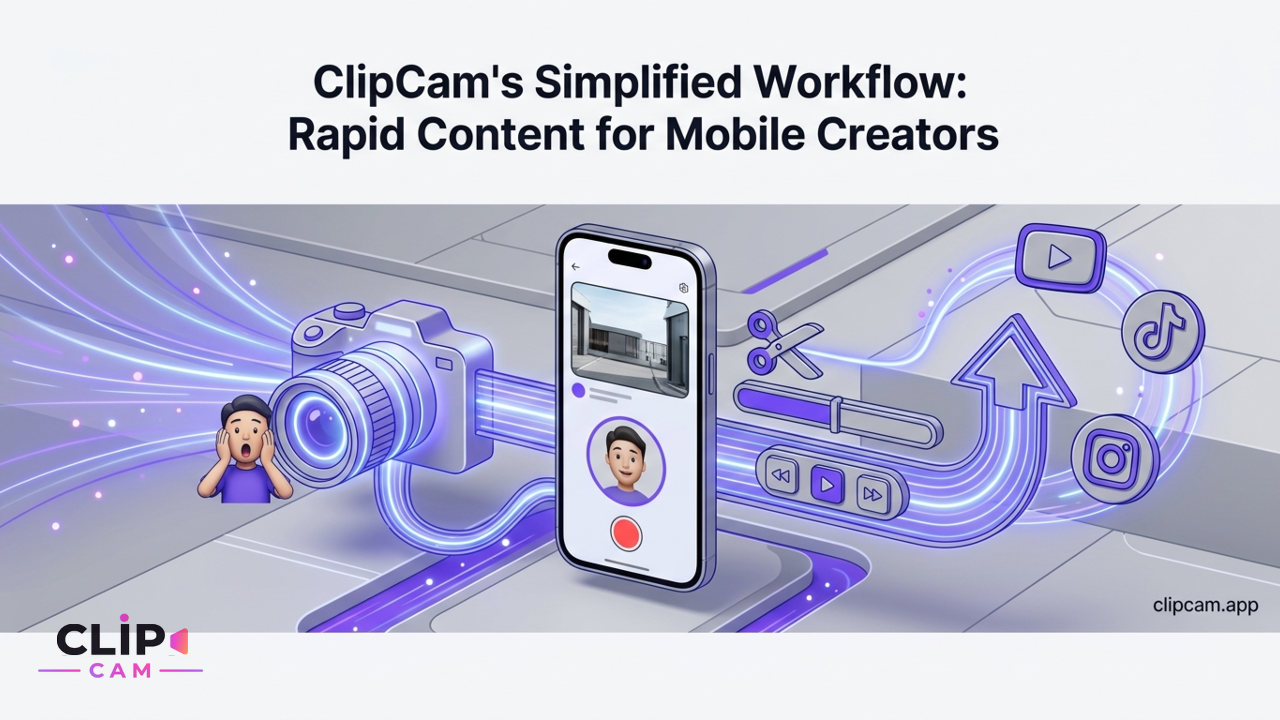
The digital landscape is a vibrant stage for creators, but behind every viral moment often lies hours of meticulous editing. For mobile creators, the pressure to consistently deliver fresh, engaging content – especially reaction videos – clashes directly with the demands of a busy schedule (trends [2][8][9][16][22][29]). Juggling multiple apps for screen recording, video editing, and then painstakingly formatting for each social platform is a time-consuming gauntlet. This is where ClipCam's simplified workflow steps in, transforming how you create, enabling you to produce high-quality reaction content without the heavy lifting.
Imagine posting more often, capturing genuine reactions in the moment, and sharing across all your channels with unprecedented speed. ClipCam empowers busy mobile creators to do just that, offering a streamlined path from idea to upload that eliminates the most frustrating aspects of video production. If you've ever asked, "How does a simplified reaction video workflow help busy mobile creators post more often without spending hours editing?" – ClipCam is your answer.
Unpacking ClipCam's Simplified Workflow: From Idea to Upload
ClipCam isn't just another editing tool; it's a complete revolution in mobile reaction video creation. Its core workflow is designed to be intuitive and instantaneous: choose your source, record your live reaction, and let ClipCam handle the rest. This unique approach allows you to focus on your content, not the complexities of production (ClipCam official site, App Store).
One-Tap Source Selection
The first hurdle in any reaction video is getting your source material ready. ClipCam makes this effortless. Whether you're reacting to the latest viral clip or your own unreleased footage, you can easily import clips by pasting a direct link from platforms like YouTube, TikTok, Instagram, or X. Need to react to something happening live on your phone? Simply share your screen directly within the app. For existing videos already on your device, a quick upload is all it takes. No complicated downloads, no conversion headaches – just one tap, and your source is ready.
Live Reaction Recording
Once your source is loaded, ClipCam presents an intuitive interface for live reaction recording. You'll see your source video playing while simultaneously recording your facecam reaction. This dual-stream capture is central to ClipCam's spontaneity, allowing you to capture genuine, unscripted responses as they happen (trends [10][12][14][21][27][29]). There’s no need to record your reaction separately and then try to sync it up later. The magic happens in real-time, preserving the raw energy and authenticity your audience craves.
Automatic Side-by-Side Rendering
This is where ClipCam truly differentiates itself. The biggest time sink in traditional video creation is post-production editing. With ClipCam, once your live reaction is recorded, the app automatically merges your facecam and the source clip into ready-to-share layouts. This is a "no-editing" or "low-editing" pipeline that eliminates the need for complex timelines, manual syncing, or intricate tooling (trends [2][17][21][24][27][30], ClipCam official site).
Unlike traditional video editors or multi-step workflows that involve screen recording, importing to an editor, manually resizing, positioning, and syncing, ClipCam's no-timeline, no-editing approach is a game-changer. It leverages automatic cloud rendering to combine your video streams, delivering a polished, professional-looking reaction video without you ever touching a timeline. This means less time fiddling with software and more time creating content.
Key Features that Power Rapid Content Creation with ClipCam
Beyond its core workflow, ClipCam is packed with features designed to accelerate your content production without compromising on quality or versatility.
Flexible, Automatic Layouts
Different platforms demand different visual styles, and manually adjusting layouts can be a huge drain on time. ClipCam anticipates this by offering a variety of flexible, automatic layouts – from classic picture-in-picture to dynamic side-by-side or stacked formats, and even custom overlays. These layouts automatically adjust to ensure your content looks great, whether it's a YouTube Short or an Instagram Reel (trends [4][5][15][19][21][23][25][27]). This means you can tailor your reactions to resonate with your audience on any platform, all without manual effort. How do simplified reaction workflows handle different layouts and which formats work best for short-form content on mobile? ClipCam streamlines the choice and execution, making every format accessible and easy to implement.
Seamless Cross-Platform Sharing
Once your reaction video is rendered, sharing it shouldn't be another multi-step process. ClipCam’s one-tap sharing functionality is truly seamless, exporting your videos optimized for TikTok, Instagram Reels, YouTube Shorts, and X (trends [2][5][21][25][27]). This means no more manual resizing, re-encoding, or worrying about aspect ratios. ClipCam handles all the technical details, providing presets that ensure your video looks native on each platform. Is one-tap sharing truly seamless? Yes, it minimizes manual adjustments, letting you jump straight from creation to distribution with confidence.
Reacting to Anything: Live or Pre-recorded
The beauty of ClipCam lies in its versatility. Your creative canvas isn't limited to pre-downloaded clips. Whether you want to react to a live browser tab during a breaking news event, a streamed gaming session, or an uploaded file from your camera roll, ClipCam handles it all (trends [4][10][12][24]). This broadens the possibilities for content creators, allowing you to jump on trends as they happen or delve into evergreen content with equal ease. Can mobile reaction apps record live reactions while playing any video or screen? ClipCam answers with a resounding yes.
The ClipCam Advantage: More Content, Less Effort
For busy mobile creators, time is currency. ClipCam is engineered to make that currency stretch further, enabling you to produce more, higher-quality content with significantly less effort.
Quantifying Time Savings for Busy Creators
Consider the traditional workflow: open a screen recorder, capture video, import to an editor, manually cut, sync audio/video, add your facecam, adjust layouts, export, and finally, upload to each platform. This multi-hour process for a single video is dramatically condensed with ClipCam. By consolidating source selection, live reaction recording, automatic merging, and one-tap sharing into a single app, ClipCam slashes post-production time from hours to mere minutes. This allows creators who are juggling jobs, school, or frequent posting schedules to publish more frequently, keeping their audience engaged without sacrificing their entire day. The time savings are tangible: you can produce 3-5 ClipCam reactions in the time it takes to painstakingly edit just one traditional reaction video.
Capturing Authentic, Spontaneous Reactions
In the age of authenticity, genuine reactions are gold. ClipCam’s immediate, no-editing nature encourages creators to capture their true, unscripted responses, leading to more engaging and relatable content (trends [10][12][14][21][27][29]). There's no pressure to perform for a separate camera, then try to recreate or exaggerate those feelings later during editing. The live recording environment fosters a raw, unfiltered energy that connects directly with viewers, making your content feel more personal and impactful. This streamlined process directly benefits busy mobile creators who need to maximize their output while ensuring every piece of content resonates authentically.
Real-World Impact: Use Cases for ClipCam's Workflow
ClipCam’s simplified workflow isn't just about efficiency; it's about unlocking new creative possibilities across diverse content niches. Its features seamlessly integrate to support a wide range of use cases.
Boosting Engagement with Gaming & Entertainment Reactions
Gamers can leverage ClipCam to quickly react to gameplay footage, new game trailers, or viral esports moments without missing a beat. The easy source integration means dropping a YouTube link to a new trailer is all it takes, and the automatic layouts make sure their facecam reaction perfectly overlays or sits beside the gaming action, ready for immediate sharing across TikTok or YouTube Shorts.
Streamlining Product Reviews & Unboxings
For creators in the product review space, ClipCam is a powerful tool. Imagine simultaneously showcasing a new gadget on your screen (or even demonstrating a software feature) while recording your live, authentic reactions. This allows you to provide immediate feedback and demonstrate real-time unboxing experiences, enhancing viewer trust and engagement. The automatic side-by-side rendering ensures both the product and your commentary are clearly visible.
Simplifying Educational Content & Tutorials
Educators and trainers can greatly benefit from ClipCam. React to informational videos, explain complex concepts by providing live commentary over a tutorial, or offer guided critiques of student work. The ability to react to any video source, coupled with automatic layout options, transforms dense educational material into engaging, easily digestible content, fostering better understanding for learners.
Batching for Success: Maximize Your Output with ClipCam
For the truly busy mobile creator, ClipCam isn't just about making one video faster; it's about enabling a new strategy for content production: batching.
Strategies for Efficient Batch Recording
What are the best practices for busy creators to batch record multiple reaction videos in one session? ClipCam's speed makes it perfect for this. Dedicate a specific block of time – say, an hour – to record several reaction videos back-to-back. Line up your source videos in advance, ensuring minimal downtime between recordings. Since ClipCam handles the rendering automatically, you can move directly from one reaction to the next, accumulating a week's worth of content in a single session (trends [10][12][14][29]). This frees up the rest of your week to engage with your audience, research new trends, or simply enjoy some downtime.
Maintaining Quality While Working Fast
Working fast shouldn't mean sacrificing quality. With ClipCam's mobile-first workflow, ensuring good lighting, clear audio, and optimal framing is simpler than ever. Use natural light or a simple ring light. Invest in an affordable lavalier mic or use quality earbuds with a built-in mic for crisp audio. Position your phone for a good eye-level shot. Because ClipCam reliably auto-renders, you minimize the need for retakes or re-editing, allowing you to maintain high standards without complex setup or post-production steps. This efficiency translates into tangible metrics for creators, such as a higher output volume per hour and a more consistent posting cadence, which are crucial for algorithmic reach and audience growth.
Why ClipCam Stands Apart: A True No-Editing Solution
In a crowded market of content tools, ClipCam carves out its own niche as the premier solution for simplified mobile reaction video creation.
How do native platform tools for reactions on TikTok and other socials compare to dedicated reaction apps? While platforms like TikTok offer basic "react" features, they often come with significant limitations in layout flexibility, customization, and especially, cross-posting capabilities. You're typically locked into a single layout and often need to re-create or re-edit content for other platforms. ClipCam offers superior control over layouts and truly seamless sharing across all major platforms, giving you far more versatility.
Furthermore, how do apps like ReactionCam, Reel React, and Reacts structure their reaction workflows? Many "reaction" apps or traditional editors still involve timelines, manual adjustments, and multi-step processes for combining and syncing video. ClipCam differentiates itself as the only true "no-timeline, automatic side-by-side export" solution. It fundamentally redesigns the workflow to remove friction points: complex editing, tedious formatting for different platforms, and the time sink of juggling multiple apps.
ClipCam isn't just an app; it's a workflow accelerator built for the modern mobile creator.
Ready to transform your content creation process? Download ClipCam today and experience the difference a truly simplified workflow can make for your mobile content!